
By CEDIA - Mon, Jan 5, 2026 - News
Compatibility is one of the defining pillars of a professional smart home project. When devices can talk to each other, clients get sharper visuals and clearer sounds. Technology connected by High-Definition Multimedia Interface (HDMI) needs to go through an effective ‘HDMI handshake’ to achieve this.
If your client’s devices aren’t communicating the way they should, there could be any number of problems. In this guide, we’ll diagnose the most common HDMI handshake issues and learn how to fix them, from firmware conflicts to EDID mismatches.
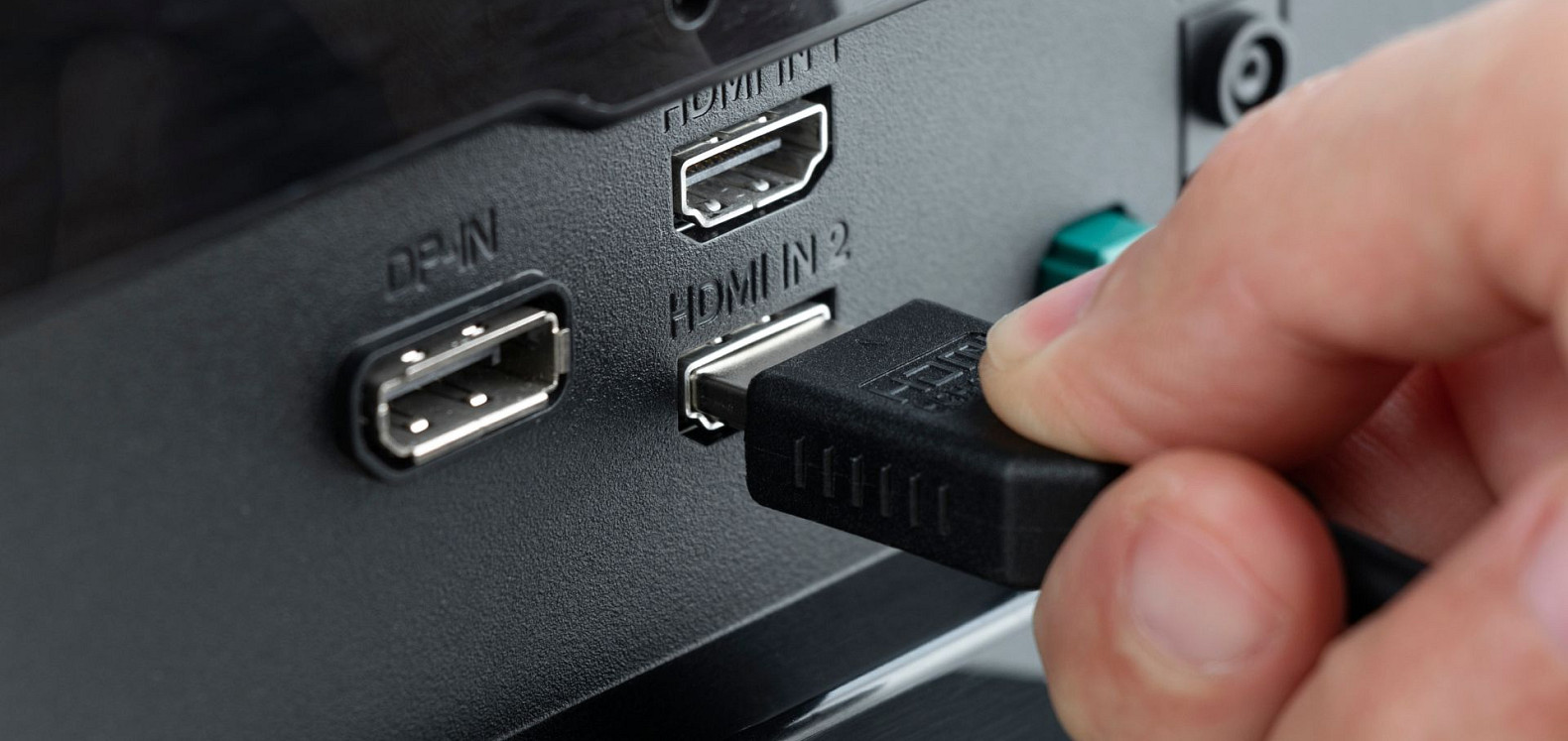
The ‘HDMI handshake’ refers to the connection between the source (for example, a games console or streaming service) and the display (such as a television screen). These two have a ‘conversation’ to exchange information about how best to display the media, such as:
If the HDMI handshake fails, there may be flickering or a black screen. Sound may also be lost.
The right HDMI handshake fix will depend on the problem. Most often, this failure happens when there are multiple devices using a switch, such as a chain containing a source, receiver, switch and display. It’s important to understand this flow to diagnose the issue.
Professional integrators will usually discover one of the following HDMI handshake issues:
Extended Display Identification Data (EDID) may be mismatched for many reasons. For example, the source may output an unsupported format, or extenders and switchers could corrupt the data.
Lack of power may cause devices to boot up out of sync. This begins the handshake process too early, causing a mismatch.
If cables are in a bad condition or too long, this may cause intermittent signals. Uncertified hardware is also more likely to fail.
Devices using legacy technology may mismanage content protection, or fail to align timings.
The more complex an HDMI chain, the more points of failure. Chains using splitters or matrices are particularly vulnerable to handshake failures.
As many of these have similar symptoms, it’s essential to isolate the problem before attempting to fix it.
When fixing an HDMI handshake issue, the first step should be to reproduce it. Look for these three potential points of failure: startup, format change and resume.
Afterwards, basic checks including cables and input ports could point to simple hardware problems. If this doesn’t work, try one or more of these troubleshooting steps:
If none of these steps work, consider alternative hardware or contact the manufacturer for tech support. A CEDIA membership gives you access to a wealth of online materials including the latest updates, helping you deliver the best service for your clients.
Connectivity is key for a robust, professional AV installation. But when HDMI handshakes go wrong, our customers could risk losing visuals or sound. Most often, handshake issues come down to EDID negotiation, power failures, cable quality or firmware.
Using a step-by-step approach to isolate the problem will minimise downtime – and reduce customer callbacks.

Thu, Apr 2, 2026
CEDIA Announced as Official Technology Sponsor of WOW!house 2026
Mon, Mar 30, 2026
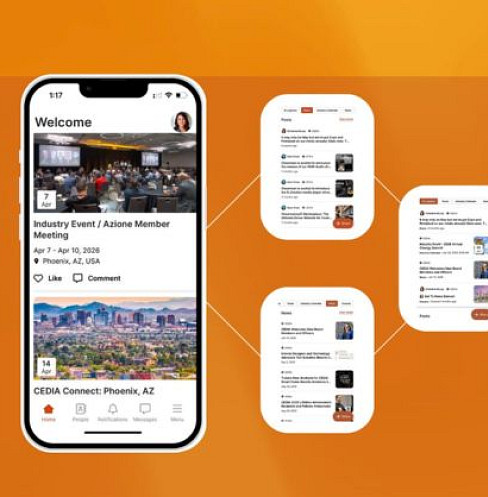
CEDIA Introduces First-Ever Integration Industry Calendar via CEDIA App
Thu, Mar 26, 2026
CEDIA Launches Integrator Advantage Program for Australian Members
Thu, Mar 26, 2026
CEDIA Smart Home Awards: The Business of Winning
Tue, Mar 17, 2026
CEDIA Named Knowledge Partner for Smart Home Expo India