
By CEDIA - Wed, Mar 11, 2026 - Blog, Smart Devices/Appliances
Many smart homes rely on voice activation or touch interfaces. However, homeowners with speech impairments, dexterity issues, or certain disabilities may struggle with some features. Smart gesture control is one way of improving accessibility for those who can’t use voice or touch control.
Gesture control is a growing area of smart home technology, with accessibility at the forefront. It can pick up on subtle movements that minimise pain and inconvenience. Research has found that it can enable people with language or speech disabilities and elderly people to control various devices conveniently. Plus, it reduces the nuisance of searching for remote controls!
In this article, we’ll explore smart gesture control, the types of sensors it uses, example applications, and more.

Smart gesture control is a type of system that recognises movements and responds by triggering actions. For example, waving might turn on the lights in a room.
It works by using sensors (such as cameras) to detect movement and then processes these to understand how to respond. By using AI, the systems can become smarter at recognising movements and interpreting what is meant by them. Of course, they still need some guidance, so initial installation is important. For example, you can programme a gesture-controlled system to respond to slight movements, such as finger swipes, to maximise accessibility. A sophisticated system will detect movements so quickly that responses are made in real-time.
Smart gesture control fits in with the broader trend of ambient computing (or intelligence). With ambient computing, the technology around us becomes unobtrusive. For example, instead of looking into a camera to unlock a door via facial recognition, an ambient set-up would use hidden monitors to scan your features, recognise you, and open the door. Smart gesture control can be just as effortless, as you can programme systems to react intuitively to movements. So, if someone wants to change TV channels, a swipe of their hand will automatically do just that.
Several types of sensors make smart gesture control possible, including:
Vision-based sensors react to what they see. Primarily, vision-based sensors are cameras that interpret movements, including hand movements and directional swipes. You might clasp your hands together to close a gate or outstretch them to open one, for example.
Generally, vision-based sensors are highly accurate. A 2025 study found that its low-cost camera-based model achieved 90% accuracy in recognising gestures. However, those who experience involuntary bodily movements may find vision-based sensors frustrating, as the system could misread unintentional cues so it’s not suitable for everyone. Some homeowners also have privacy concerns due to being filmed. A professional installation should ensure that footage remains secure.
You can use vision-based sensors for smart home commands like:
mmWave (millimetre wave) radar sensors detect micro-movements and proximity through radio waves. It works by transmitting high-frequency radio waves and analysing the reflected signals. It then interprets these signals to work out any changes to the environment. mmWave radar sensors are sensitive enough to detect blinking and small facial movements, which means it’s ideal for users with limited movement who need minimal-effort gestures.
This type of sensor also performs well in low light and can sense through materials. A study looking into RaGeoSense (a sparse millimetre wave point cloud-based gesture recognition system) found that it had an average recognition rate of 95.2% and performed well at different distances, angles, and movement speeds. So, if a camera can’t get a clear view, a mmWave recognition system (like RaGeoSense) will likely still identify a gesture.
Some example uses of mmWave radar sensor include:
Capacitive sensors are a type of proximity sensor that uses the principle of electric-field disturbance.
An electric field is an invisible area of force that surrounds any object (including people). Capacitive sensors detect any changes (or disturbances) to electric fields and use this information to trigger commands. For example, capacitive sensors view people as conductive objects and use their conductivity to understand movements. So, if someone points their finger, a capacitive sensor will pick up on the electric-field disturbance. When used in smart homes, this movement could trigger an automated routine. There’s no need to press a button if gesturing towards it is enough.
You can also use capacitive sensors to pick up on the presence of other objects, including liquids.
Example uses of capacitive sensors include:
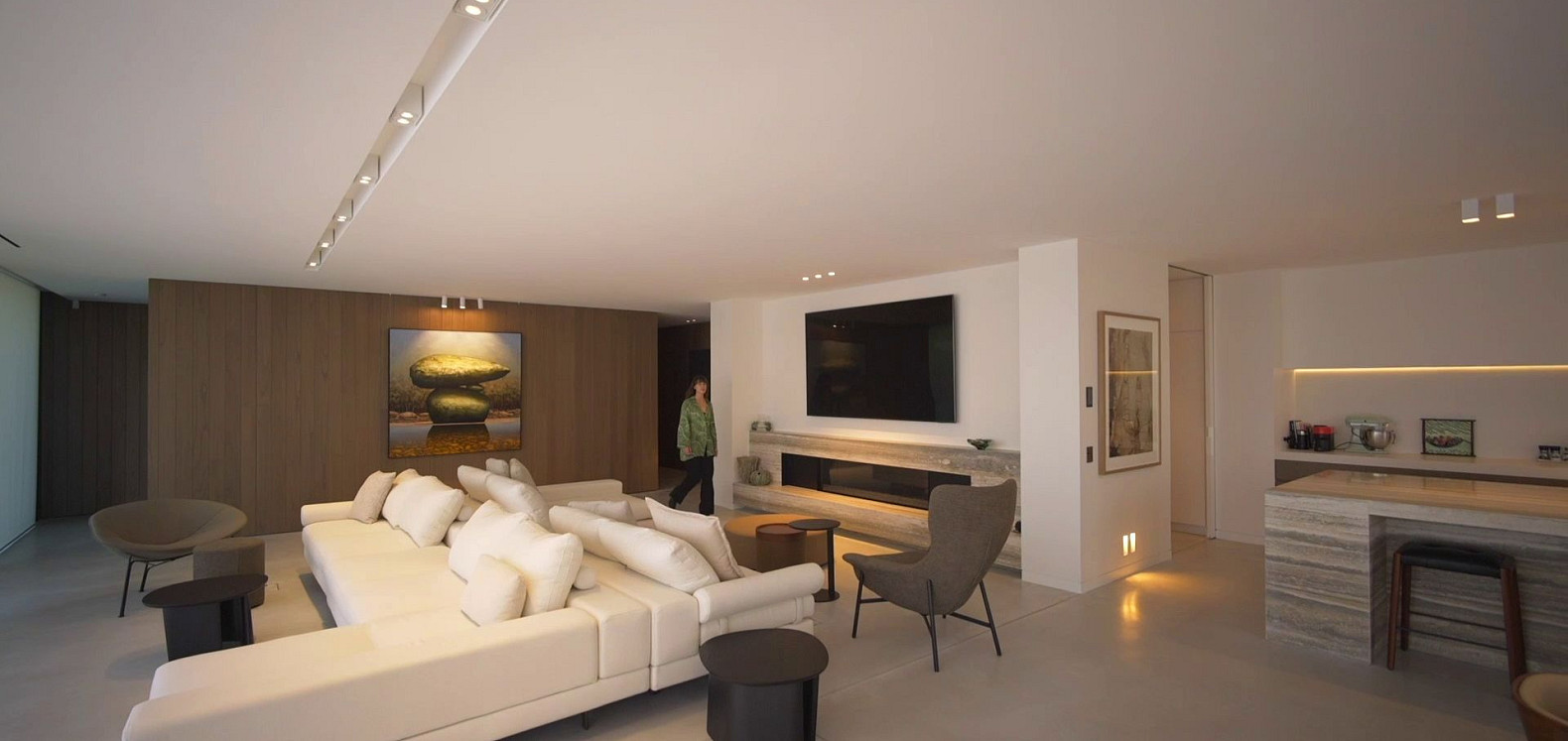
Smart gesture control enables hands-free interaction, which increases convenience when carrying objects, cooking, or being unable to touch devices for any other reason. It also allows homeowners to control devices when voice activation isn’t appropriate, either because they’re unable to speak or are in a noisy environment.
Gesture control gives users with speech-related disabilities or mobility impairments a reliable way of triggering smart home actions. The system’s recognition of intuitive movements can reduce frustration and offer the reassurance of independent control. Homeowners who can make gestures can continue to control their smart home if they develop age-related impairments, a disability, or a chronic illness that prevents them from using other types of smart home controls.
You can incorporate smart gesture control across your home for many uses, including:
| Function | Explanation |
|---|---|
|
Lighting |
Dim, brighten, or toggle lights using a hand wave. |
|
Heating / Climate control |
Adjust temperature or fan speed without touching controls. |
|
Media |
Play or pause music, skip tracks, or change volume with a simple gesture. |
|
Trigger panic lighting by making a signal, or lock or unlock doors with a movement (with additional safeguards). |
|
|
Kitchen / Bathroom |
Make use of touch-free taps, extractor fans and other appliances. |
Gesture control is just one way of controlling your devices. In a well-designed smart home, it will complement other options. For maximum accessibility, it’s best to incorporate various types of control so that everyone can trigger commands in a way that works for them.
Each type of control has its own advantages and challenges:
|
Type of control |
Advantages |
Challenges |
|---|---|---|
|
Gesture |
Silent – nobody else in the house will be woken up by a late-night command Hygienic and touch-free Works in noisy environments Detects micro-movements and reduces reliance on fine motor control |
Reduced accuracy in poor lighting The risk of false triggers when someone inadvertently makes a similar motion to a programmed gesture Users have to remember which gestures to do to trigger actions The physical nature of making gestures can be inaccessible to people with certain disabilities |
|
Voice |
Hygienic and touch-free Suits those with limited mobility Can offer enhanced security, with some commands restricted to certain voices Intuitive – for example, saying “Turn the volume up” will turn up the volume |
Inconsistent recognition Difficulty with accents Lack of accessibility for those with speech impairments Privacy concerns regarding recording and its ‘always on’ nature |
|
Touch |
Often associated with a centralised hub which allows you to control everything from one place Can enable remote access (i.e. controlling your home from an app while out) Usually, relatively easy to use, provided that menus are limited and customised to show the most likely interactions first |
Less accessible for those with limited dexterity, so may be difficult for those who experience tremors or have arthritis Some people may not be able to reach wall switches |
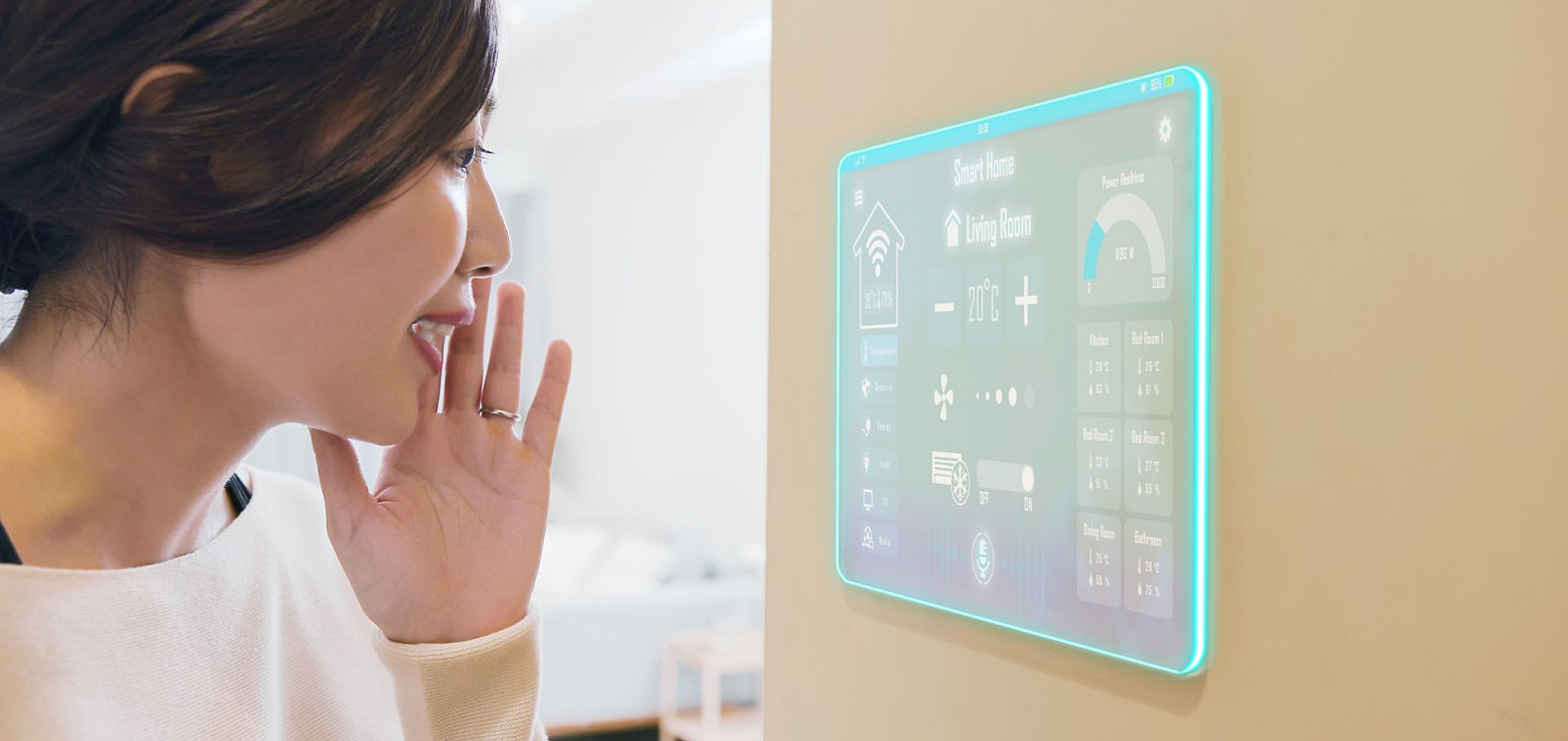
Like the sound of adding gesture sensors to your smart home? The good news is that you can integrate them, even if you already have smart tech. There are various retrofit options, such as switch-replacement sensors and modular add-on devices. A Smart Home Professional can help you adjust your existing set-up to make it more accessible.
If you’re starting from scratch, you can incorporate gesture sensors across whole-home systems and intentionally integrate them with lighting, audio visual, HVAC systems, and other automation routines. With a professional installation, you can connect sensors to smart home hubs. CEDIA-certified professionals will ensure that everything works seamlessly, including precise sensor placement, calibration, and wider system integration.
A Smart Home Professional will consider various elements when designing a gesture-based smart home, including:
A professional will help you choose the right gesture control solutions. There are some elements you can also look out for, such as:
While you can buy some devices off the shelf, a gesture-based smart system that unifies your home tech will require professional installation. It’s particularly important to seek professional help if you have to consider varying accessibility needs across a multi-user household.
Gesture control can increase accessibility across smart homes. When installed correctly, it can enhance people’s independence, comfort, and confidence. While voice and touch control still have their places, smart gesture control is a more accessible alternative for those who struggle with speech or dexterity.
As sensor technology continues to advance, more homes can benefit from non-invasive systems that pick up on intuitive movements and trigger actions as intended.
If you’re interested in adding smart gesture control to your home, visit our directory and find a Smart Home Professional near you.
Wed, Mar 25, 2026
Integrating Aromatherapy & Hydrotherapy In The Home
Wed, Mar 11, 2026
Smart Home Gesture Control for Accessibility
Wed, Mar 11, 2026
Bringing Life into Your Home with Smart Indoor Gardens
Wed, Mar 11, 2026
Best Smart Lighting For SAD
Tue, Mar 10, 2026
The Future of Cooking With Robotics and AI in the Kitchen
Wed, Feb 25, 2026
Smart Homes That Don’t Shout: Calm Tech & Ambient Design